
Best AI Apps for Android & iPhone are everywhere right now, but honestly, most of them feel overhyped after a few days of use.
I still remember downloading random AI apps late at night thinking they would magically improve my workflow.
I tested dozens of the best ai apps for android & iphone before making this list.
Most of them were honestly disappointing.
Some were filled with ads every five seconds. Some generated terrible results. A few looked amazing in screenshots but completely failed when I actually tried using them for work.
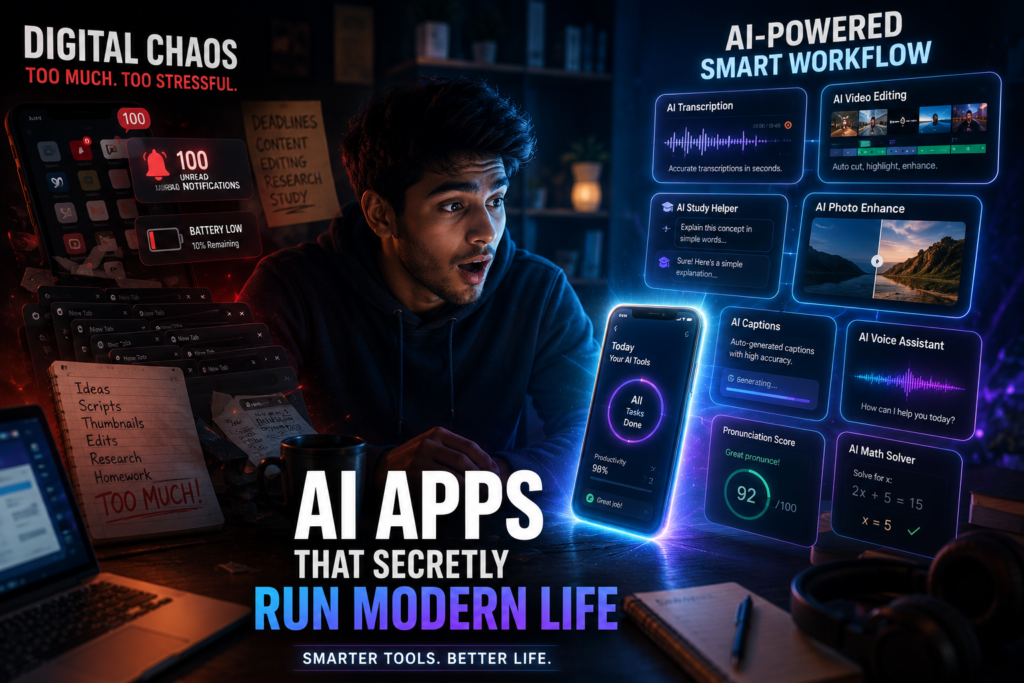
After testing a ridiculous number of AI apps on both Android and iPhone, I finally found a few hidden gems that genuinely help in real life.
Not just “cool for one day” apps.
Actual useful apps that save time, improve productivity, and sometimes even make your phone feel smarter than your laptop.
And no, I’m not going to repeat the same overused apps everyone talks about.
No ChatGPT.
No Gemini.
No Perplexity.
No Pika.
No Veo.
No PlayHT.
This list is for people who want something different.
Something practical.
Something that actually feels underrated.
Some of the best ai apps for android & iphone are surprisingly underrated.
1. Notta AI Best for Meetings & Voice Notes

The first time I used Notta AI, I was honestly just testing it for fun.
I had a long client voice meeting and didn’t feel like manually writing notes afterward.
So I opened the app, recorded the conversation, and forgot about it.
Later that night, I checked the transcript.
It had automatically converted the entire conversation into organized text with surprisingly accurate timestamps.
That’s when I realized this app is insanely useful for:
- Students
- Freelancers
- Content creators
- Online meeting users
- Journalists
- Anyone dealing with voice notes
I’ve personally used it while:
- Brainstorming YouTube ideas
- Recording client discussions
- Saving lecture notes
- Turning spoken ideas into written content
What I Learned After Using It
Background noise matters.
The first time I tested it in a noisy cafe, the transcript quality dropped badly.
Quiet environments make a huge difference.
Best Features
- AI transcription
- Voice to text conversion
- Meeting summaries
- Multi language support
- Mobile friendly interface
2. Runway ML Probably the Most Fun AI Video Tool on Mobile


I genuinely underestimated Runway.
I thought it was another average video editor.
Then I tried removing a background from a moving video clip directly from my phone.
No green screen.
No complicated editing.
And somehow it worked.
Not perfectly every time, but good enough that I actually started using it for short form content testing.
If you create:
- TikToks
- Instagram Reels
- YouTube Shorts
- Product videos
- Cinematic edits
…this app feels addictive.
One Mistake I Made
I tried uploading a low quality dark video at first.
The AI struggled badly.
Clear lighting improves results massively.
Best Things About It
- AI background removal
- Motion tracking
- Video enhancement
- AI generated visuals
- Fast editing workflow
3. Otter AI Underrated Productivity App for Busy People

Otter AI became part of my daily routine without me realizing it.
At first I only used it for voice transcription.
Then I started using it while:
- Planning content
- Recording random ideas
- Saving lecture explanations
- Managing task reminders
The reason I like Otter more than basic note apps is simple:
It understands context surprisingly well.
Instead of dumping messy text everywhere, it tries organizing conversations intelligently.
Real Life Scenario
One day I was walking outside and randomly got an idea for a thumbnail concept.
Instead of typing, I just spoke naturally for two minutes.
Later, Otter had converted everything into readable notes.
That small convenience matters a lot over time.
Best Features
- Smart meeting notes
- Voice summaries
- Searchable transcripts
- AI generated highlights
4. Lensa AI Better Than Most Mobile Photo Editors

I avoided Lensa for a long time because I thought it was just another “beauty filter app.”
Turns out it’s much more useful than that.
The AI photo enhancement tools actually help clean up:
- Portraits
- Low light selfies
- Social media images
- Profile pictures
I tested it on old poorly lit photos and the difference surprised me.
Not fake looking.
Just cleaner.
Important Thing
Don’t over edit.
That’s the mistake most people make.
Too much AI smoothing makes photos look unnatural very quickly.
I learned that after ruining a perfectly good picture trying to make it “too perfect.”
Best Features
- AI retouching
- Background blur
- Photo enhancement
- Portrait cleanup
5. Socratic by Google The Study App I Wish I Had Earlier
This app feels like cheating sometimes.
You point your camera at a question, and it helps explain the answer step by step.
But what I actually like is that it doesn’t just dump answers immediately.
It often explains concepts visually.
That makes it useful for:
- School students
- College students
- Self learners
I tested it with math and biology questions, and honestly the explanations were cleaner than some YouTube tutorials.
One Lesson I Learned
Don’t use it just for copying answers.
When I first tested these apps, I made the mistake of relying too much on shortcuts.
That hurts learning long term.
Use it as a helper, not a replacement for studying.
6. FaceApp Still One of the Wildest AI Apps

FaceApp went viral years ago, but people still underestimate how advanced it is.
Some of the transformations are honestly scary accurate.
I mostly tested it for:
- Funny edits
- Thumbnail experiments
- Social media content
- Age transformation effects
The app is extremely easy to use, which explains why it became popular so quickly.
But Here’s the Problem
A lot of people upload personal photos without thinking about privacy.
Always be careful what kind of images you upload to AI apps.
That’s something many users ignore.
7. ELSA Speak Surprisingly Helpful for Improving English

I tried ELSA Speak expecting basic pronunciation practice.
Instead, it felt more like having a personal speaking coach inside the phone.
The app listens carefully to pronunciation and points out small mistakes most people don’t notice.
That’s useful if:
- You work with international clients
- You do interviews
- You create content in English
- You want clearer speaking confidence
What Surprised Me
Tiny pronunciation errors matter more than grammar sometimes.
I realized I had been pronouncing certain words incorrectly for years.
8. Photomath One of the Most Practical AI Apps Ever Made

Photomath is one of those apps that sounds boring until you actually need it.
Then suddenly it becomes incredibly useful.
You scan a math problem and it solves it step by step.
Not just final answers.
Actual breakdowns.
I tested it while helping a cousin with algebra homework and honestly, the explanations were cleaner than the textbook.
Best Part
It helps reduce frustration.
A lot of students quit math because they get stuck at one step and lose confidence.
This app helps bridge that gap.
9. Remini AI The App That Revives Old Photos


I tested Remini using an old blurry family photo.
Honestly, I expected fake results.
But the restored version looked surprisingly sharp.
Not perfect.
But emotional.
That’s what made it impressive.
This app works especially well for:
- Old family pictures
- Low quality selfies
- Blurry images
- Social media uploads
Important Tip
Don’t expect miracles from extremely damaged images.
AI can improve photos, but it can’t magically recreate missing reality perfectly.
10. CapCut AI Tools The Shortcut Most Creators Secretly Use

A lot of people think creators edit everything manually.
Not true anymore.
CapCut’s AI tools speed up editing massively.
You can:
- Auto generate captions
- Remove silence
- Add AI effects
- Create short clips faster
- Improve pacing automatically
I’ve personally seen beginner creators improve content quality quickly using these tools.
Biggest Mistake Beginners Make
Using too many flashy AI effects.
That instantly makes videos feel cheap.
Simple edits usually perform better.
How I Test the Best AI Apps for Android & iPhone
This honestly saved me from wasting money.
Whenever I try a new AI app now, I test these things first:
1. Free Version Quality
Some apps advertise amazing AI but hide everything behind subscriptions.
If the free version feels useless, I usually uninstall immediately.
2. Ad Experience
Too many ads ruin productivity apps.
Simple.
3. Real Life Usefulness
I ask myself:
“Would I still use this after one week?”
Most AI apps fail this test.
4. Privacy
Some AI apps request weird permissions.
Always check:
- Camera access
- Microphone access
- File permissions
Especially for photo based AI apps.
Common Mistakes When Using Best AI Apps for Android & iPhone
Downloading Too Many at Once
I did this myself.
Ended up with:
- Storage problems
- Notification spam
- Subscription confusion
Now I only keep apps that solve actual problems.
Expecting Perfect Results
AI still makes mistakes.
A lot of mistakes sometimes.
Especially with:
- Photo generation
- Voice recognition
- Video editing
- Research summaries
Treat AI like an assistant.
Not magic.
Ignoring Manual Skills Completely
This is important.
AI tools should improve your workflow, not replace your thinking completely.
The best creators still combine:
- Human creativity
- AI speed
- Personal experience
That combination works best.
Which Best AI Apps for Android & iPhone Are Worth Keeping?
After months of testing, these are the ones I still actively use or recommend:
- Notta AI → Meetings & voice notes
- Runway ML → AI video editing
- Otter AI → Productivity
- Lensa AI → Portrait editing
- Socratic → Study help
- ELSA Speak → English practice
- Photomath → Math solving
- Remini → Old photo restoration
- CapCut AI → Content creation
Most AI apps disappear from my phone after a few days.
These survived.
That usually says everything.
And honestly, the biggest lesson I learned is this:
The best AI apps for Android & iPhone are not always the most viral ones.
Sometimes the smaller underrated tools end up being the ones you actually open every single day.
Pingback: Best AI Productivity Apps for Busy People: Powerful Tools to Save Time & Work Smarter in 2026